Description
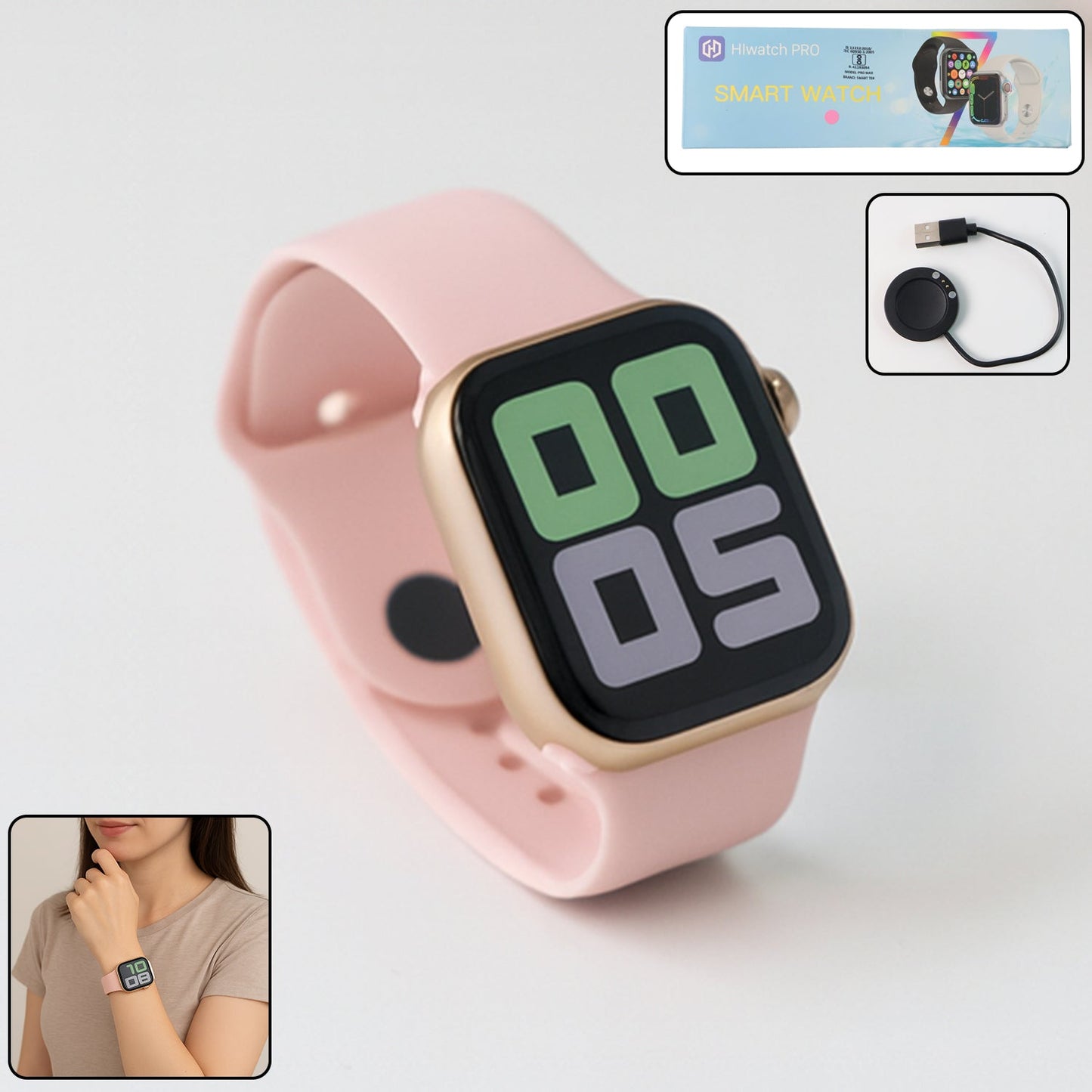
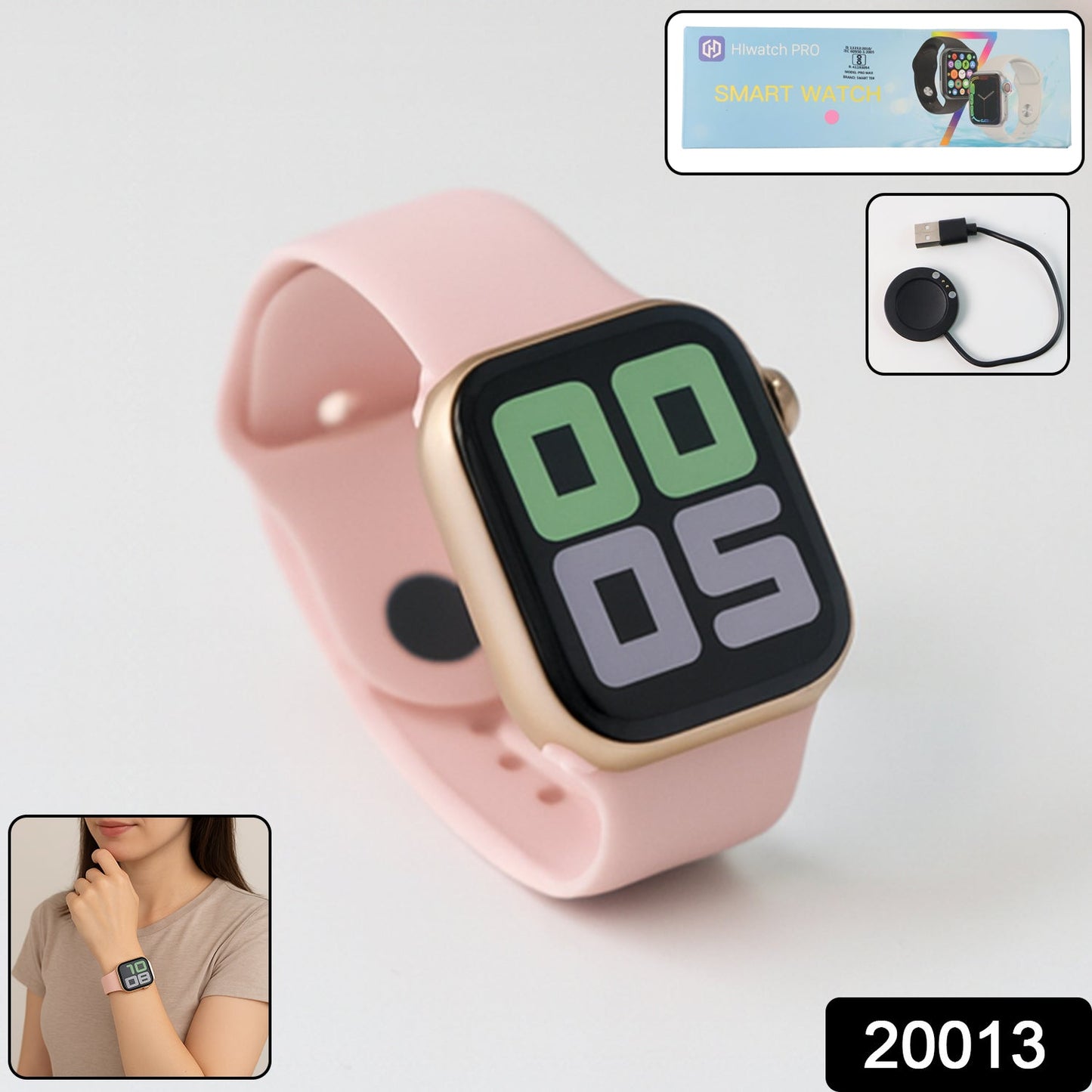
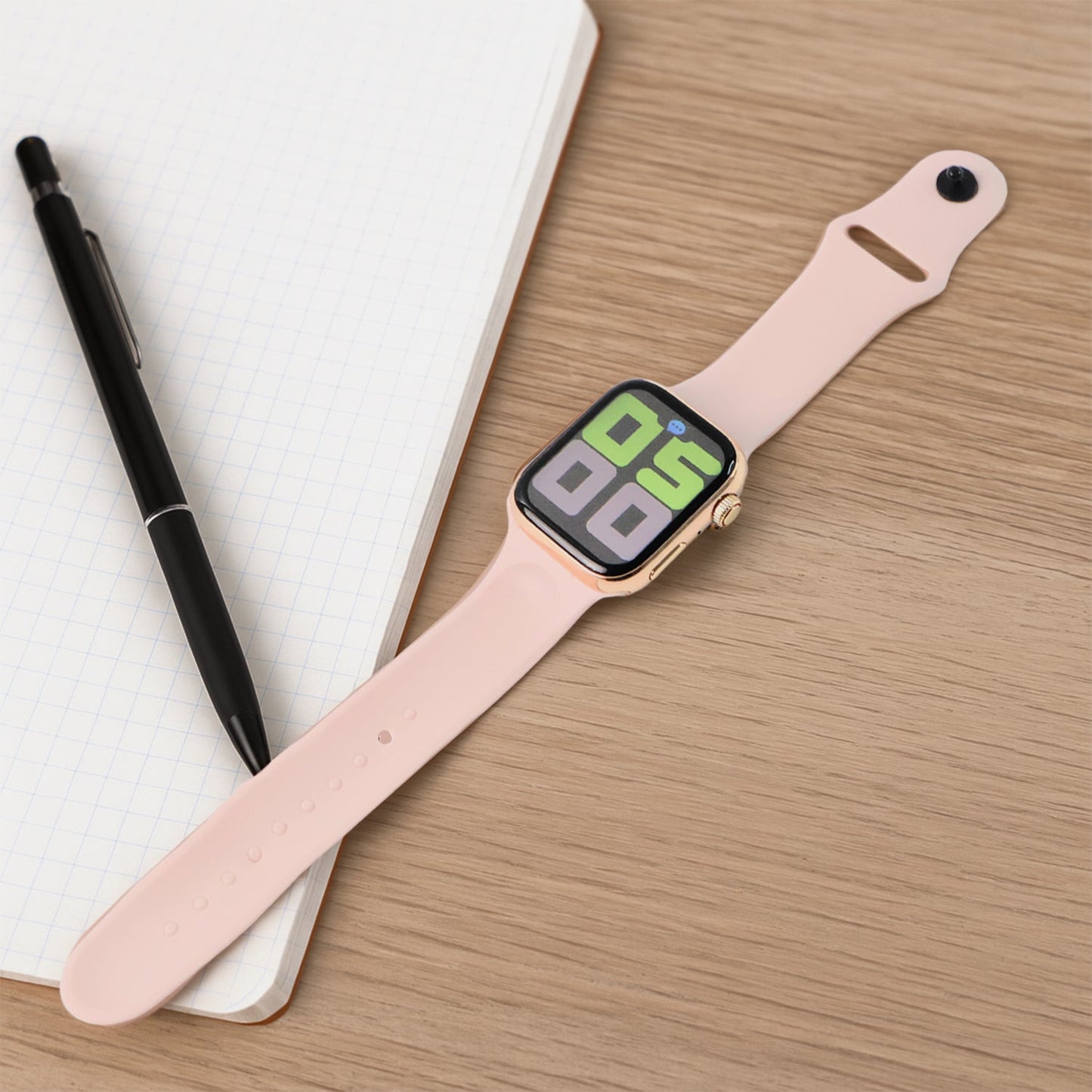
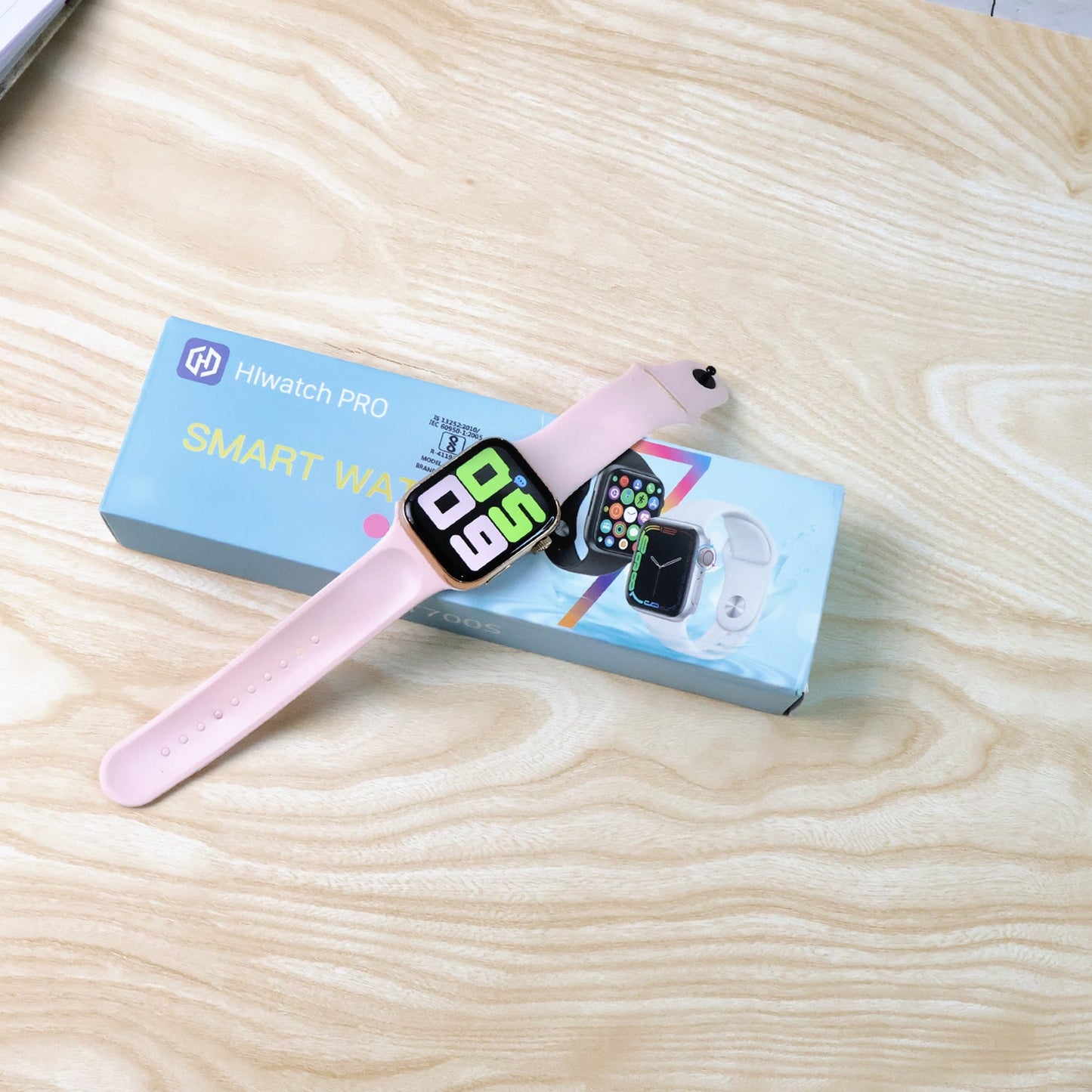
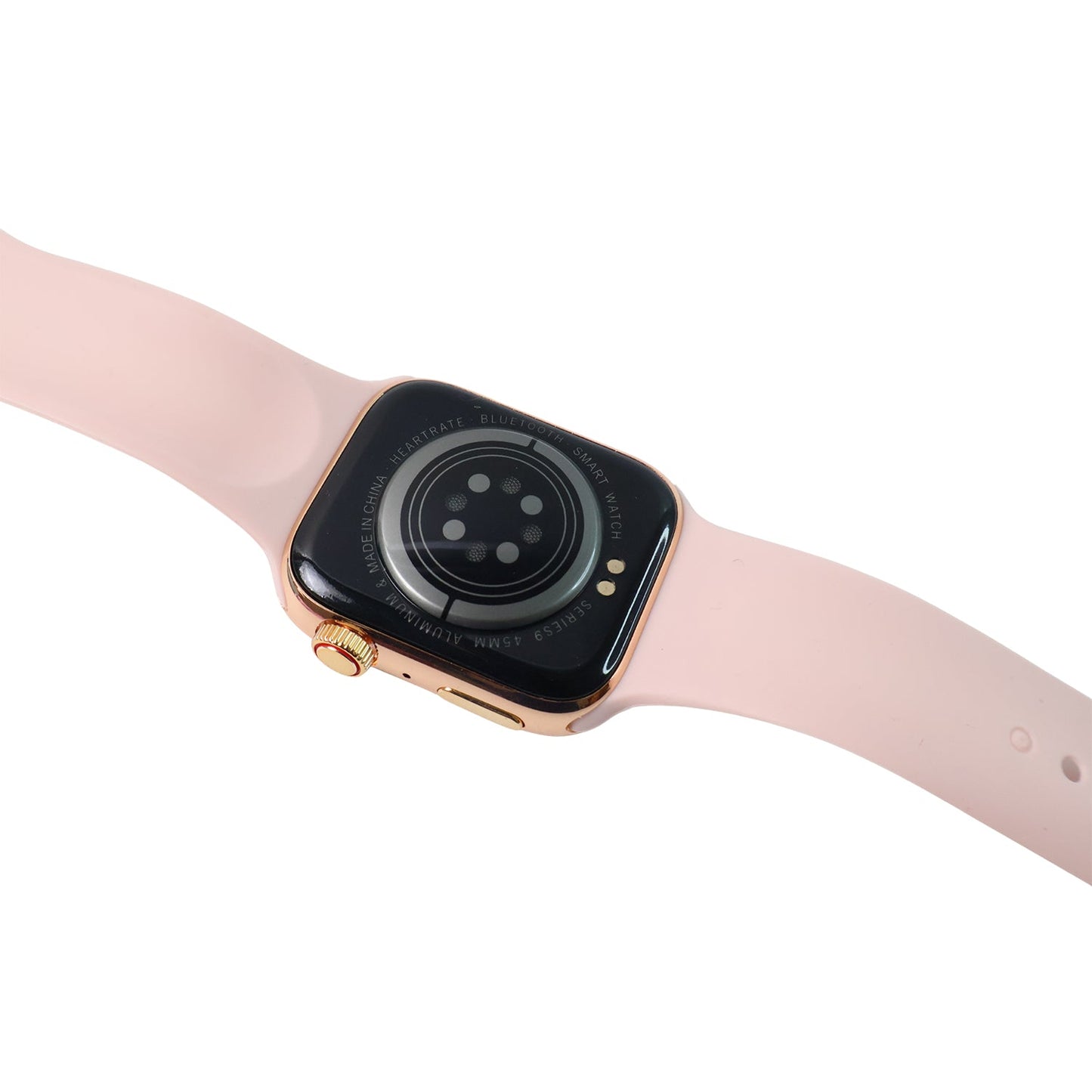
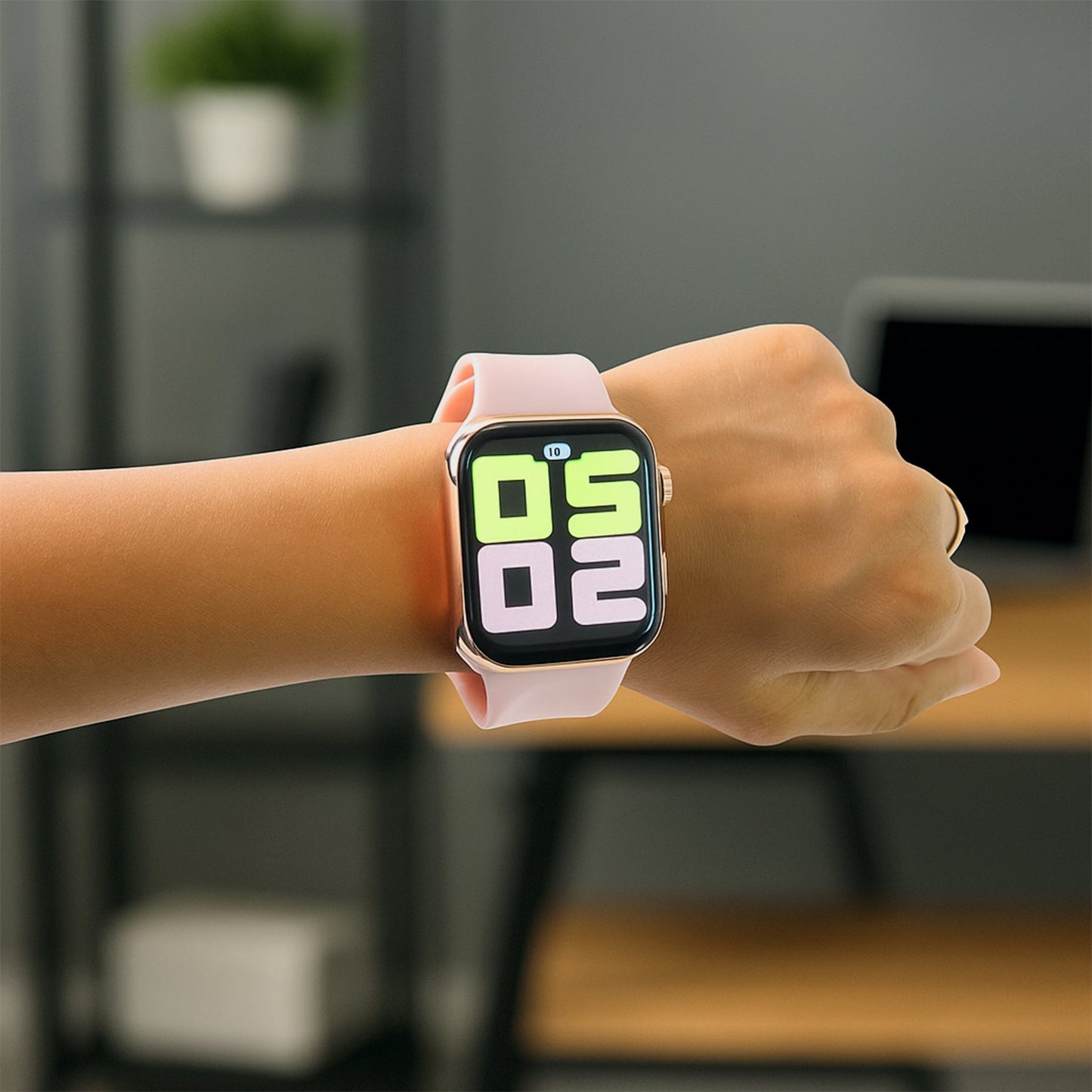
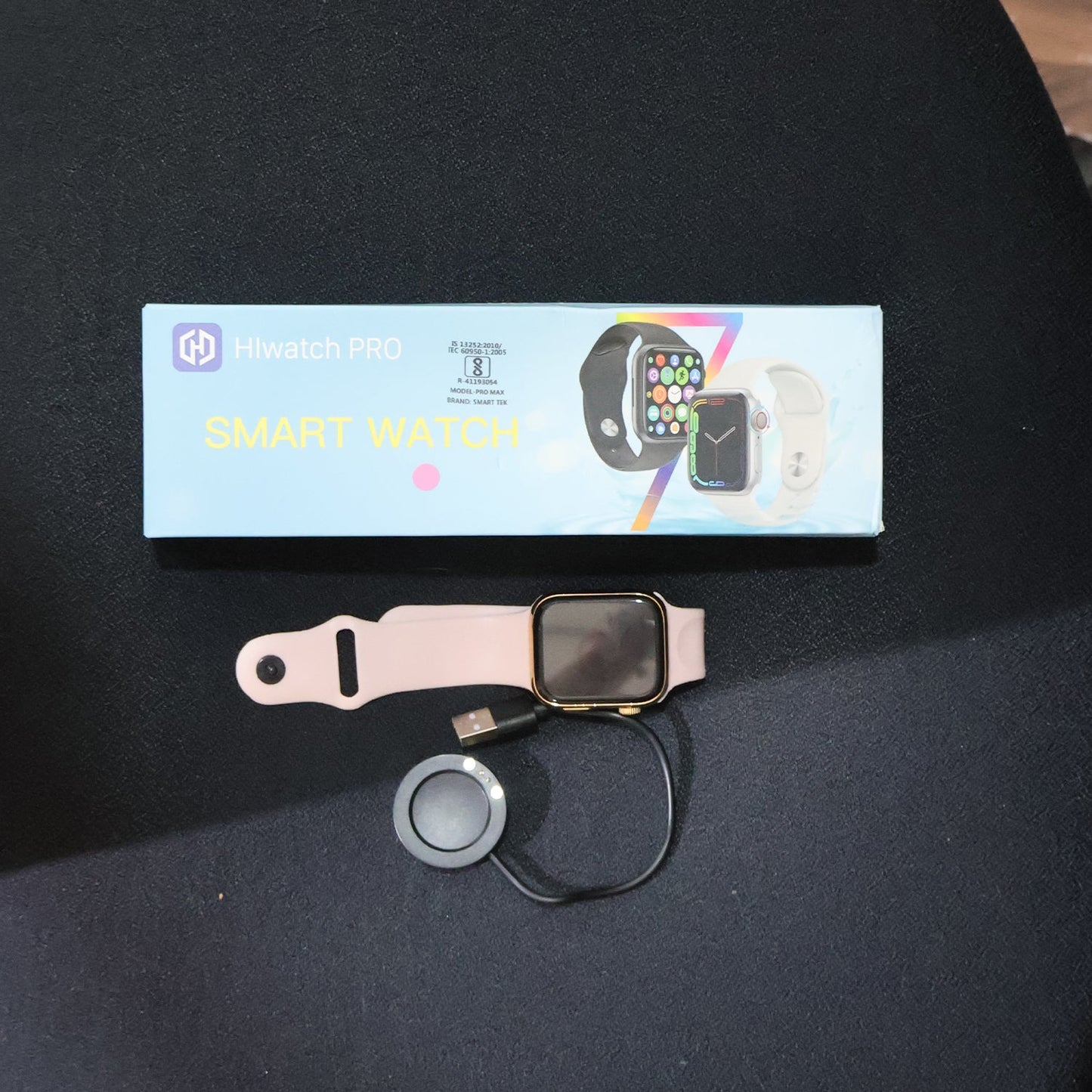
T700S Large Display Wireless Charging Smartwatch Wireless Fast Charging Tracker for Health, Fitness, Running, Sleep Cycles (1 Pc)
Description :-
- LONG BATTERY LIFE AND WATERPROOF DESIGN: Fitness watch can be used Long of charging. It can withstand daily sweating, so you can fully enjoy your workout.
- MULTIFUNCTIONAL AND HIGH COMPATIBILITY: With a variety of smart functions such as stopwatch, alarm clock, breathing guidance, sedentary reminder, etc, it adds convenience to daily life. The watch is compatible with cell phones running.Â
- SMART NOTIFICATION ALERT: You can receive SMS and SNS notifications, including for Gmail and more directly on your wrist. You won't miss any important and messages and stay up to date. But this watch can't make calls or send text messages.
- SLEEP MONITORING: Fitness watch supervises your sleep at night and analyses in detail the quality of your sleep. It is a health advisor for women and men in daily life, and it is easy and convenient to operate through the touchscreen.
- ACTIVITY TRACKING FUNCTION: Fitness watch has multiple exercise modes, such as running, walking and so on. It also records daily steps, calories burned, distance walked, and activity time throughout the day. You can track your progress by setting a daily step goal through the app.
- Usage - Fitness & Outdoor, Health & Medical, Watch phone, Safety & Security.
Step-by-Step Guide to Connect T700SÂ Smartwatch to Smartphone
Step 1: Charge the Smartwatch
Before connecting, ensure your T700S smartwatch is fully charged using the wireless charger provided in the box.
Step 2: Power On the Smartwatch
-
Press and hold the power button for 3–5 seconds.
-
Wait until the smartwatch screen turns on and boots up completely.
Step 3: Download the Companion App
-
Open the Google Play Store (Android) or App Store (iPhone).
-
Search and download the app:
📲 “FitPro†or “Dafit†(based on your smartwatch manual). -
[Note: Please confirm the exact app from the smartwatch user guide or packaging]
Step 4: Turn on Bluetooth on Your Smartphone
-
Go to Settings > Bluetooth and enable Bluetooth.
-
Do not connect directly from phone Bluetooth settings (unless asked).
Step 5: Open the App and Register/Login
-
Open the FitPro or Dafit app.
-
Grant all permissions (location, Bluetooth, etc.).
-
Register an account or continue as a guest.
Step 6: Pair the Smartwatch
-
In the app, go to “Device†or “Add Device†section.
-
Tap Search/Scan – it will list nearby devices.
-
Select T700S (or similar name like Smartwatch, T700S).
-
Tap to connect.
Step 7: Confirm Pairing
-
A pairing request will appear on both the watch and phone.
-
Tap Pair / Allow / Confirm on both devices.
Step 8: Sync Data
-
After successful pairing, the smartwatch will sync time, notifications, contacts, etc.
-
You can customize notifications, alarms, and more from the app settings.
Dimension :-
Volu. Weight (Gm) :- 87
Â
Product Weight (Gm) :- 140
Â
Ship Weight (Gm) :- 140
Â
Length (Cm) :- 24
Â
Breadth (Cm) :- 8
Â
Height (Cm) :- 2
Shipping & Return
We set these policies to ensure that you are fully aware of our refund and return methods and procedures. These policies are applicable to (INDIA) country.
Thank you for choosing to shop at 9to999.store . We want to ensure your complete satisfaction with your purchase. Please read our return policy carefully to understand the conditions and procedures for initiating a return.
Return Request Period: In the event that you wish to make a return, please submit a complaint within 7 days from the date of delivery. Any requests received after this period may not be accepted.
Damaged Product: If you receive a damaged product, kindly provide us with an unboxing video and clear photos showing the damage. This evidence is crucial for us to assess the situation and provide appropriate assistance.
Missing Items: If any items are missing from your order, please notify us within 7 days of delivery. We will investigate the matter and, if confirmed, initiate a refund for the missing item(s).
Exchange for Wrong Product: If you mistakenly ordered the wrong product and would like to exchange it, please note that the shipping charges for returning the item and for the replacement item will be your responsibility. Please contact our customer support team for further instructions on how to proceed with the exchange.
Refund Eligibility: Refunds will be processed for eligible returns based on the following criteria:
a. Damaged or Defective Products: Upon confirmation of the damage or defect through the provided video and photos, we will proceed with the refund process.
b. Missing Items: If we are unable to provide the missing item(s) from your order, a refund will be issued for the respective item(s).
Original Condition and Packaging: To qualify for a refund or exchange, returned products must be in their original condition, unused, unwashed, and undamaged. All original packaging, including accessories, tags, and labels, should be included.
Return Shipping: The cost of return shipping will be your responsibility, except in cases where the return is a result of our error (e.g., damaged or incorrect item sent). We recommend using a reliable shipping service with tracking to ensure the safe return of the product.
Refund Process: Once your return is received and inspected, we will notify you of the approval or rejection of your refund. If approved, the refund will be processed and applied to the original method of payment within 7 Days.
Business Name:
GAMBIT PRODUCTS PRIVATE LIMITED
GROUND, SR. NO.112/1, PLOT NO.5,
NEAR KUVADAVA ROAD, BARGER PAINT,
OPP RANGOLI MASALA, NAVAGAM, RAJKOT, Gujarat 360003
Phone: +91 96386 66602
Email: care@9to999.store
For Any Question, You Can Easily Contact Us.
Support: Monday to Saturday From 9:00 AM to 6:00 PM
Reviews
My Wishlist
Wishlist is empty.
Compare
Shopping cart